Setup PhantomGuard CDN with NameCheap
This guide explains how to point your domain from Namecheap to PhantomGuard using custom nameservers.
PhantomGuard nameservers:
- casper.phantomguard.io
- myrtle.phantomguard.io
Requirements:
- PhantomGuard is already installed in your WordPress website.
- PhantomGuard license is already set up.
Steps 1
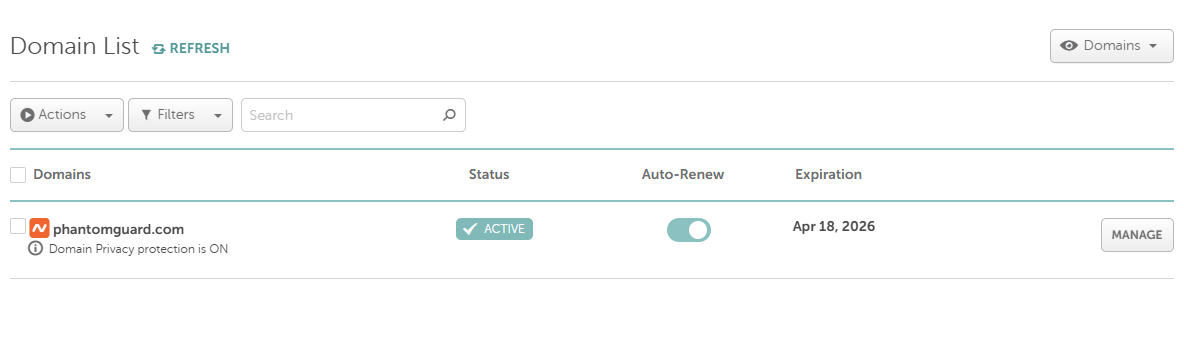
- Open Domain List from the left sidebar.
- Click Manage next to the domain you want to configure.
Steps 2
- In the Domain tab, locate the Nameservers section.
- Select Custom DNS from the dropdown.
- Enter the following nameservers:
- casper.phantomguard.io
- myrtle.phantomguard.io

Finally, click the ✔️ checkmark to save.
Wait for DNS Propagation
DNS changes can take:
- Usually: 1–30 minutes
- In some cases: up to 24–48 hours
Once propagation is complete, your domain will begin routing traffic through PhantomGuard's CDN services.